You haven't recorded permission for your lot yet — you will need it before anyone breaks ground. Go to Acquire → Secure your lot.
Designing a Park in a Truck park is like buying a new dress or suit. First, you go to the store and check out the mannequins to pick out a style, color or pattern that you like. Of course, what looks good hanging on the rack may not work for you. So you must find the suit or dress in a size that fits you and your body type, then you try it on. If it doesn’t fit, you can alter it. Finally, you add accessories to truly customize it.
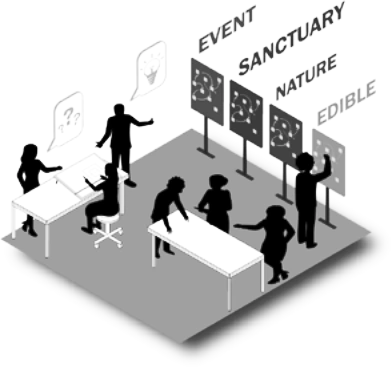
Just like clothes shopping, your park needs to suit your style and the intended use. Park in a Truck parks come in four different styles — we call them themes: Edible, Sanctuary, Nature and Event. Each one is best suited for a specific occasion or situation.
Now, the real fun begins — creating a vision for your park! This step starts with choosing one of the four themed designs. However, that’s just the beginning: each theme includes a set of mix-and-match park pieces that let you build a custom park sized to your own lot.
📄 Original workbook page (PDF page 3)
The four themes
Each theme emphasizes different ways you may use your park: some are well suited for neighborhood gatherings, while others are better suited for solitude. Compare the number of trees, amount of sun and lot location you recorded on your Assess Summary with the general requirements below.
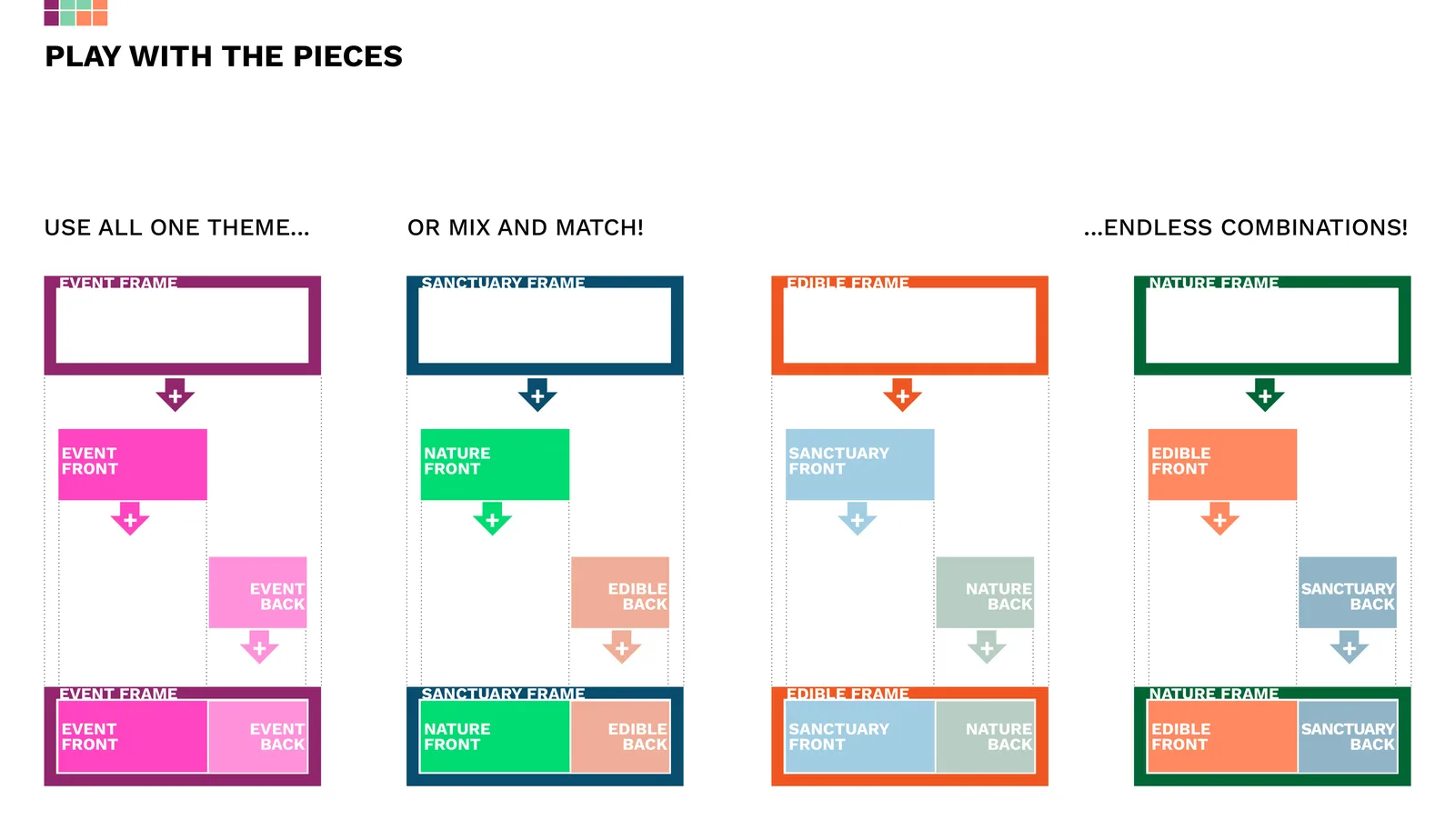
Since every park has three parts — a frame, a front and a back — you can use one theme across the whole park, or mix and match different themes, the same way you’d pair a top and jacket with the bottom of an outfit.
Base design elements (every theme)
A few key elements appear in all four themes:
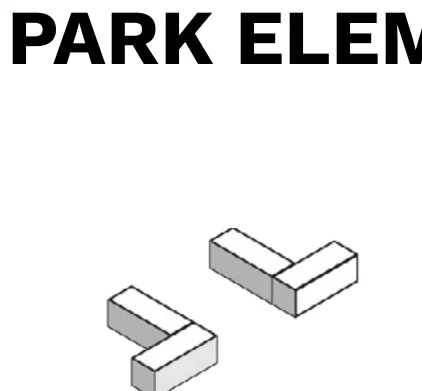
- Gabion wall. Wire baskets filled with stone give the park a distinct edge — fill them with found materials like brick and broken concrete for lower-cost, more sustainable construction.
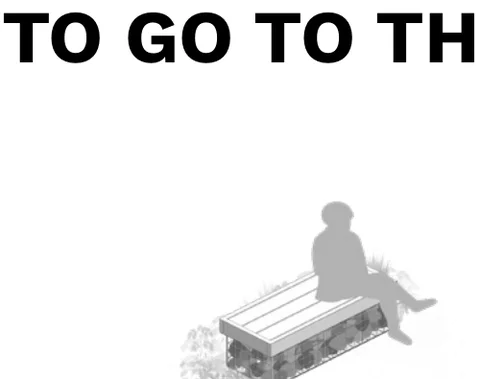
- Bench. A place to sit, easily customized by your community. Paint them or let them weather — either works.
- Rain barrel. Every park needs water. Rain barrels collect stormwater for watering trees and flowers.
- Plants. Native plants that attract wildlife, increase biodiversity and promote conservation.
Edible
Share food and connect with neighbors — fruit, vegetables, and a communal table.
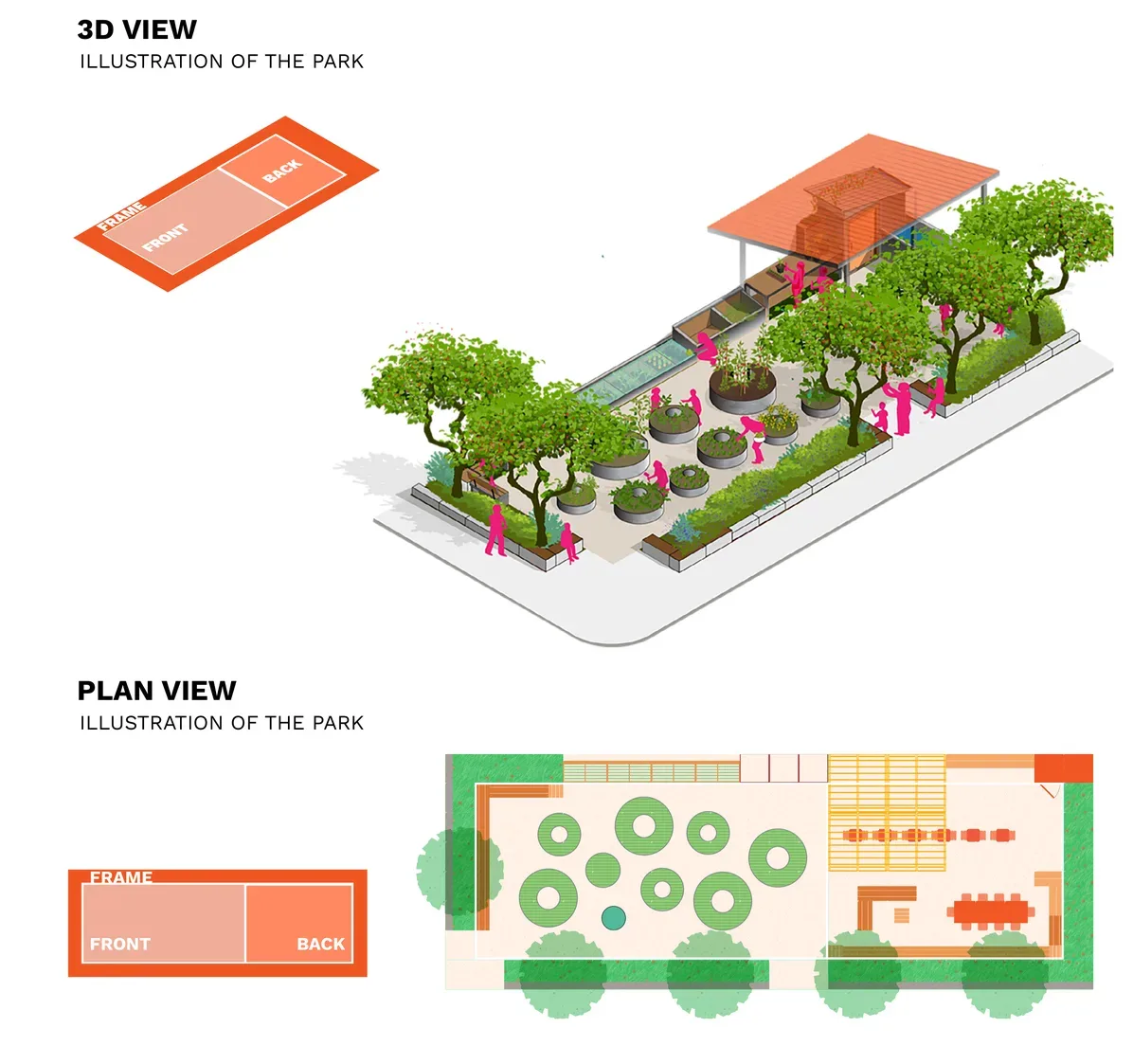
- Trees: Few or no trees
- Sun: Full sun or mostly sun
- Lot: Well suited for a corner lot
- Volunteers: Frequent volunteer participation
Sanctuary
A calm refuge for solitude, reading, and small gatherings.
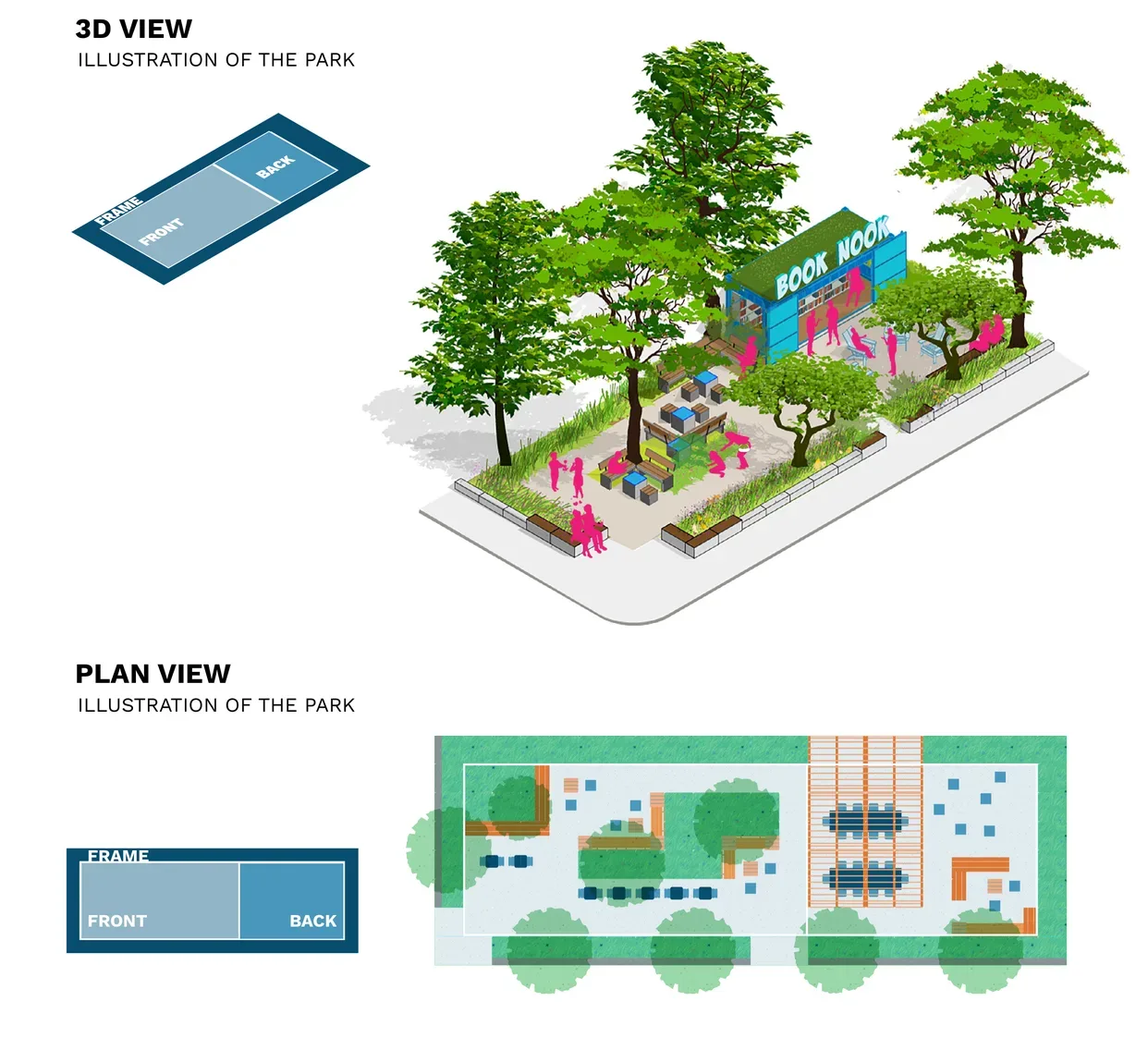
- Trees: Any amount of trees
- Sun: Any amount of sun
- Lot: Mid-block or corner lot
- Volunteers: Minimal volunteer participation
Nature
Native plants, habitat, and play for kids and pollinators.
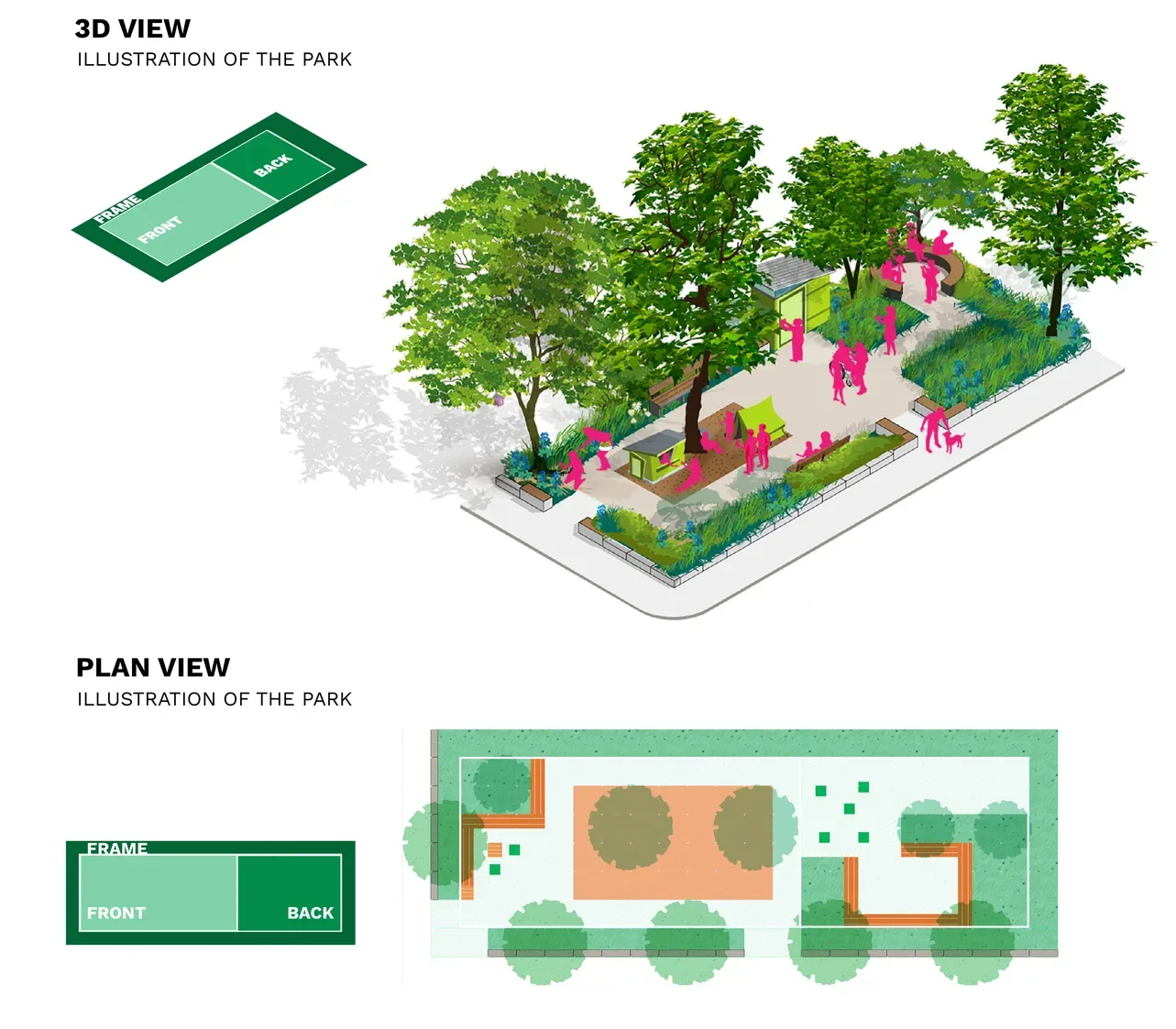
- Trees: Well suited for lots with trees
- Sun: Any amount of sun
- Lot: Mid-block or corner lot
- Volunteers: Minimal required participation
Event
Space for performances, markets, and neighborhood celebrations.
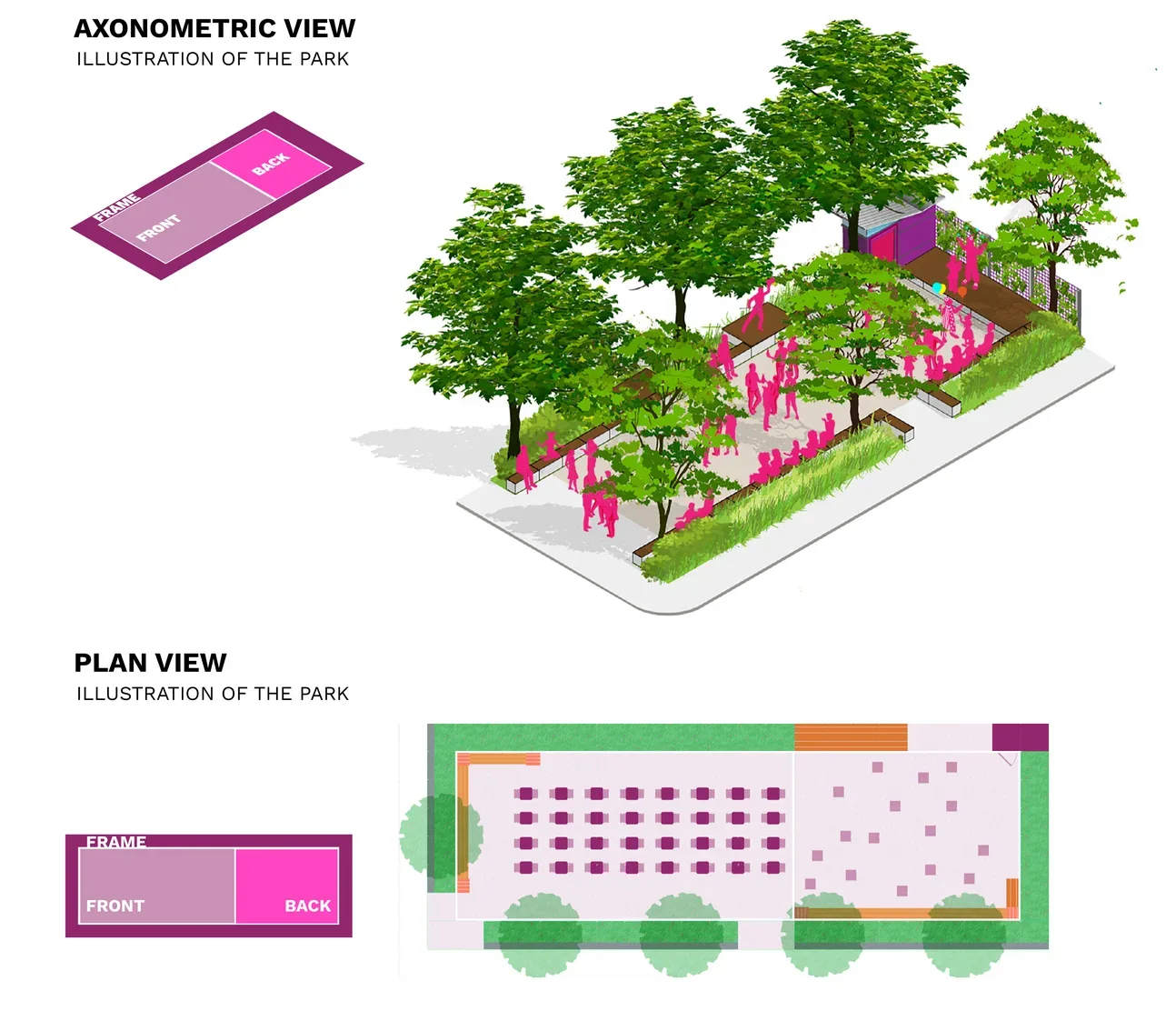
- Trees: One/two trees or several trees
- Sun: Any amount of sun
- Lot: Well suited for a corner lot
- Volunteers: Moderate volunteer participation
📄 Original workbook page (PDF page 5)
📄 Edible theme (PDF) (PDF page 6)
📄 Sanctuary theme (PDF) (PDF page 7)
📄 Nature theme (PDF) (PDF page 8)
Park pieces & how to use them
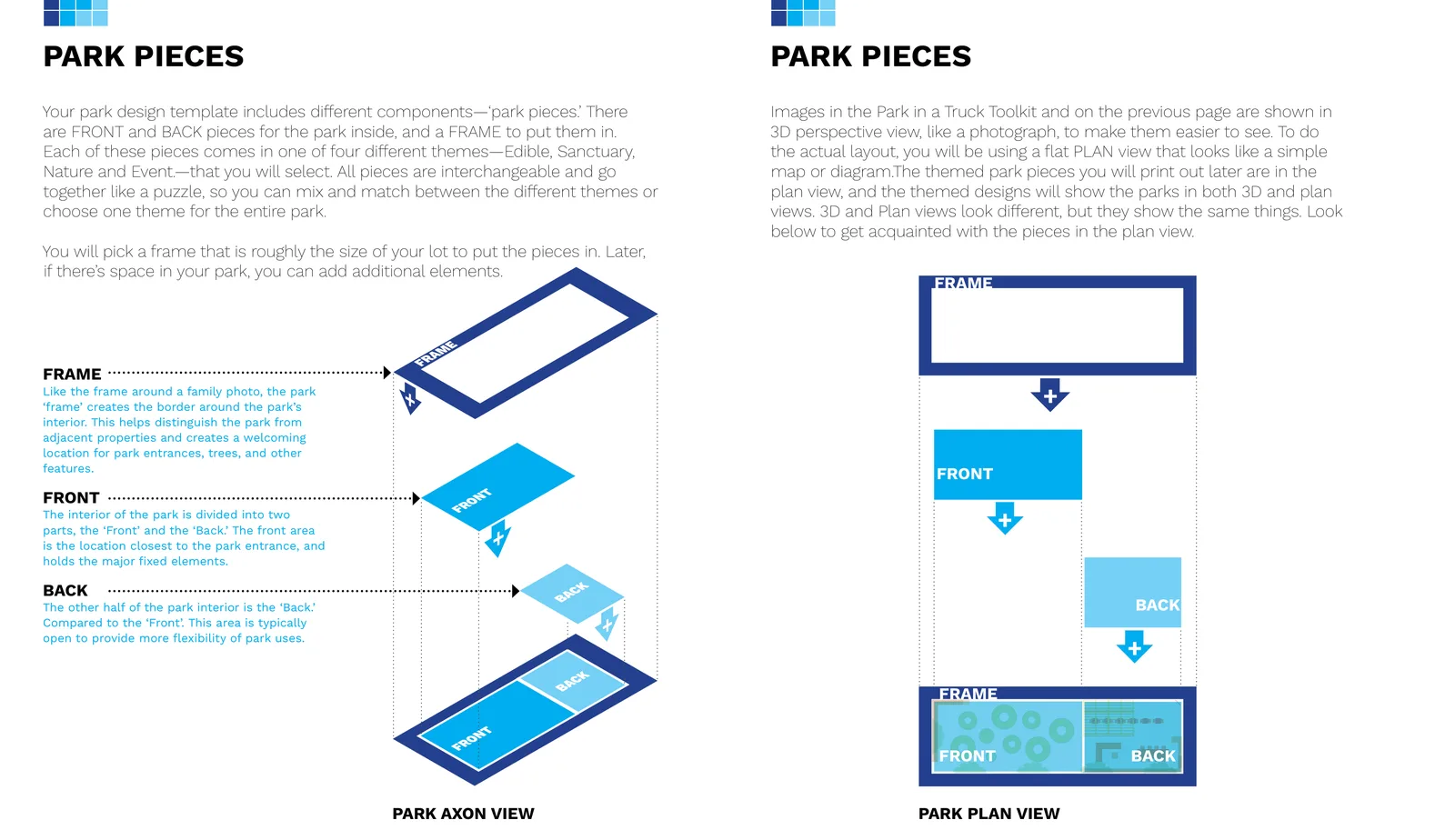
Your park design template is built from different components — park pieces. There are FRONT and BACK pieces for the park’s interior, and a FRAME to put them in. Each piece comes in one of the four themes, and every piece is interchangeable, so you can mix and match between themes or choose one theme for the whole park.
Like the frame around a family photo, the frame creates the border around the park’s interior — a welcoming location for entrances, trees and other features. The interior is divided into the front (closest to the park entrance, holding the major fixed elements) and the back (typically more open, for flexible use).
Images in the toolkit are shown in 3D axon view, like a photograph, to make them easy to picture. To actually lay out your park you’ll use a flat plan view that looks like a simple map — both views show the same things.
Design your park
Prefer paper? Print the park pieces
After reviewing the themes, note the letter you checked on your Assess Summary page (size A–E) and your lot location (interior, or corner with the street on your right or left). Click the matching download below — each opens a Google Drive folder of printable park pieces for that size and lot.
| Size | Interior lot | Corner lot — street on the right | Corner lot — street on the left |
|---|---|---|---|
| A | Download ↗ | Download ↗ | Download ↗ |
| B | Download ↗ | Download ↗ | Download ↗ |
| C | Download ↗ | Download ↗ | Download ↗ |
| D | Download ↗ | Download ↗ | Download ↗ |
| E | Download ↗ | Download ↗ | Download ↗ |
Lot-kind labels follow the workbook’s own download page — if a piece set doesn’t match your corner, try the other one.
Open the pieces you downloaded and print them single-sided on 8.5”×11” paper, then cut along the dashed lines. Align the pieces using the align symbols printed on each sheet, and tape them together. Keep going to the next sub-step to right-size the taped-together park to your actual lot.
Right size your park
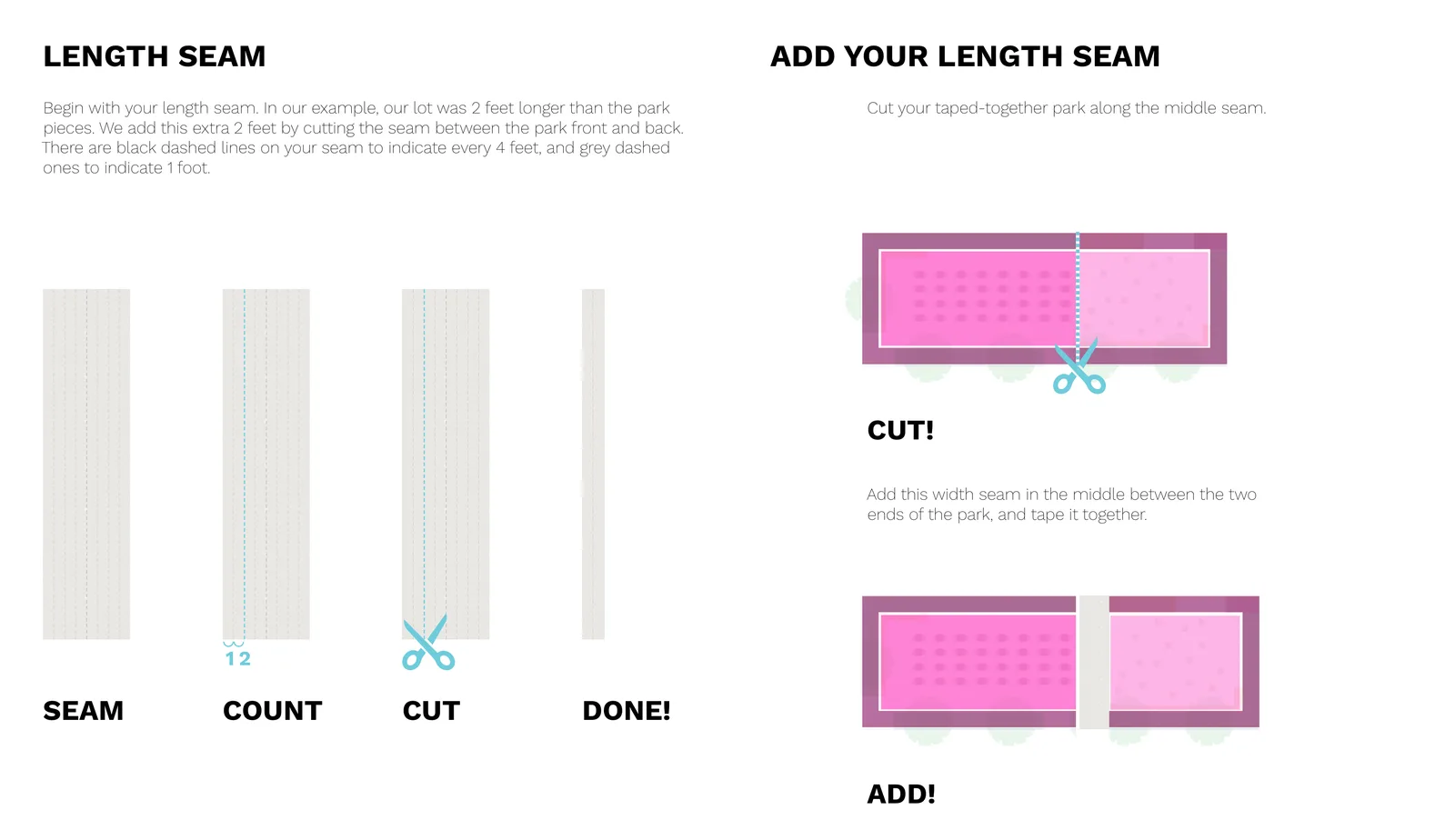
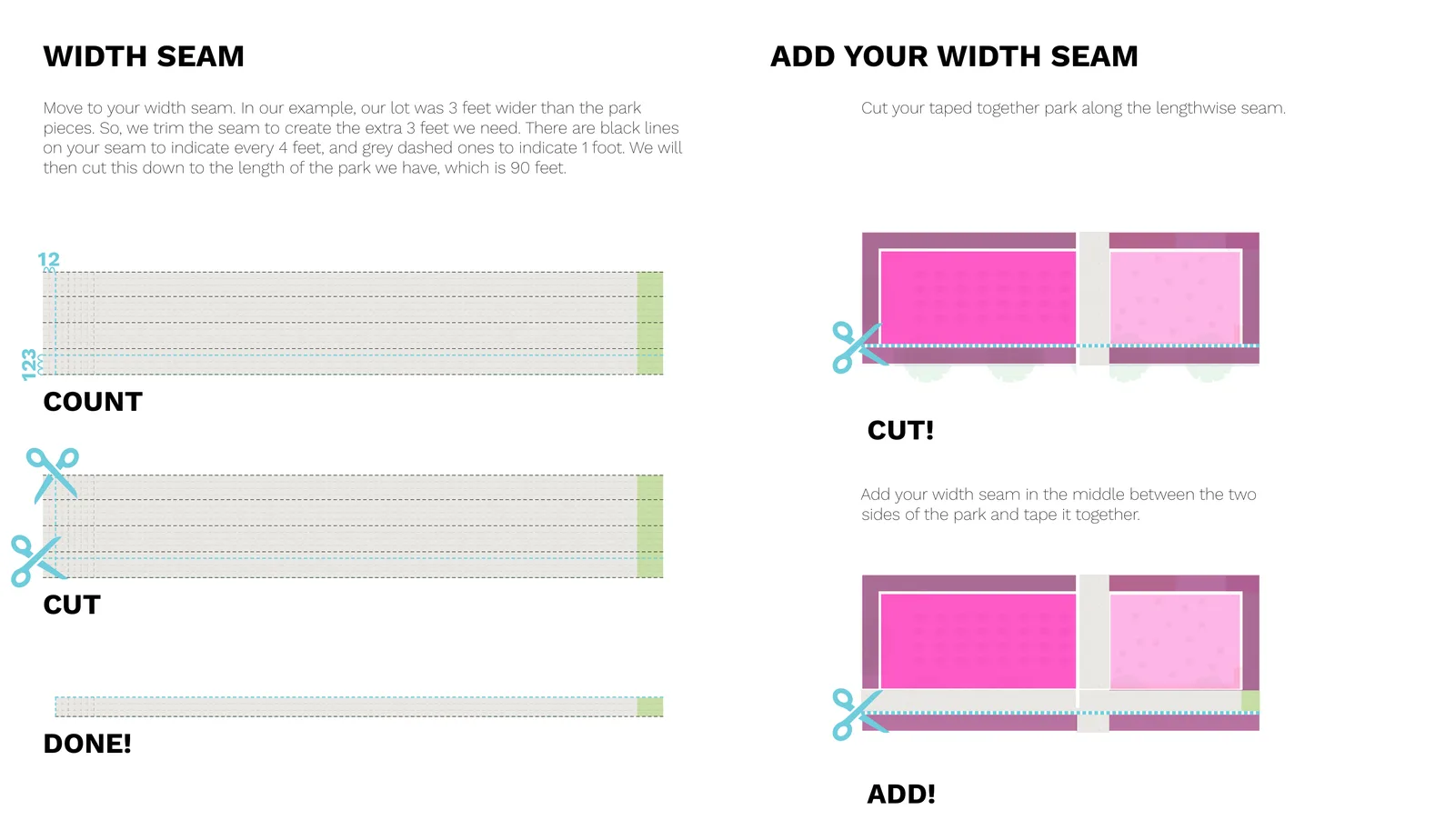
If your lot perfectly fits your pieces, skip ahead to adding your existing conditions. If there’s extra room, expand your park by adding seams — feet of extra frame, front or back — so you use all the available space.
| Size | Long edge | Short edge |
|---|---|---|
| A | 44–64 ft | 12–16 ft |
| B | 64–76 ft | 16–28 ft |
| C | 76–88 ft | 28–40 ft |
| D | 88–96 ft | 32–48 ft |
| E | 80–120 ft | 44–60 ft |
There are two kinds of seams: a length seam, cut between the front and back piece, adds feet along the park’s long edge; a width seam, trimmed along the length, adds feet along the short edge. Both seams have black dashed lines marking every 4 feet and grey dashed lines marking every 1 foot, so you can count out exactly how much you need.
📄 Original workbook page (PDF page 14)
Add existing conditions
Transfer the existing conditions from the site plan you drew in the Assess workbook onto your design plan. Place the two plans side by side and copy each feature over — the grids are the same, so just count the boxes to find where things land. If an existing tree lands in a planting area, great; if it lands in gravel, that’s fine too (the Create step explains how to handle it). If your existing conditions clash with your design — a tree on top of a bench, say — you can remove the bench by crossing it out, or shift the whole front or back piece. The design is a template: it’s somewhat rigid, but you can always add or remove things to make it work for you.
Count your pieces & cost
It’s time to tally your site plan. Each front, back and frame piece has a tally of all its items, so you can calculate the cost and order materials. The workbook asks: how many feet is the long side of your lot (length)? The short side (width)? How many green planting squares do you have? And, using the key in your park pieces, how many of each furnishing?
⬇ Cost estimator (XLSX)Original spreadsheet — make your own copy to edit it
Counting on paper? Enter your totals here
Count furnishings using the key printed on your park pieces, then enter everything into the cost estimator spreadsheet above.
Count & choose your plants
Everywhere there’s green on your plan is a planting area, and each planting symbol has a size. Count up the perennials, shrubs, small trees and big trees in your design — sun and shade separately for perennials and shrubs. You’ll pick the actual plant varieties next.
Each theme has its own suggested plant list — a starting point, not a requirement. If you’re mixing two themes, pick plants from both lists.
Assemble
Now it’s time to see how the park elements are built. Some elements have custom step-by-step assembly instructions, like an Ikea manual; others come with a suggested design from pre-tested instructions; and some are simply off-the-shelf products. Click any element below — if you have it in your park, this is how you build (or buy) it.
 Gabion wall
 Wood-topped gabion bench8' wood-topped gabion bench
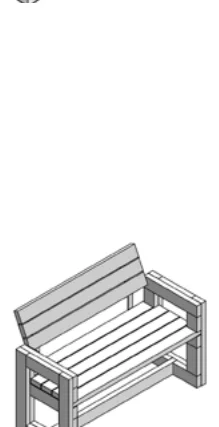 Bench with back4' bench (no back)
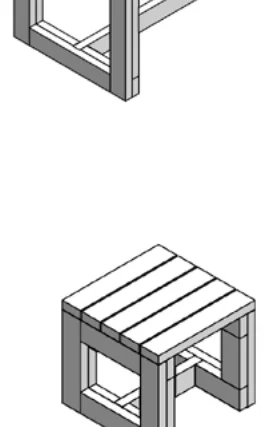 Stool
Stool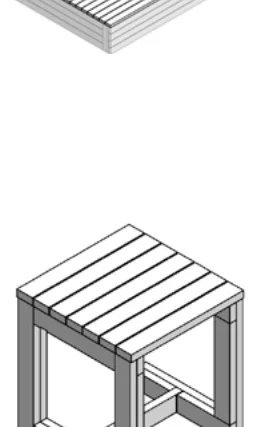 2' table
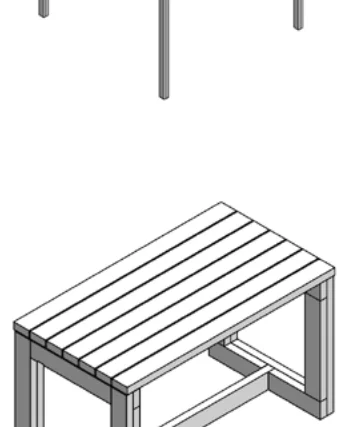 4' table6' table
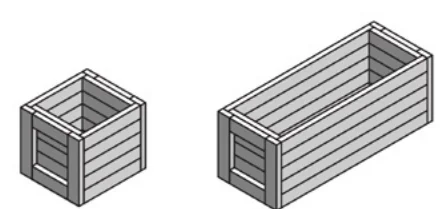 18" planter box (small)
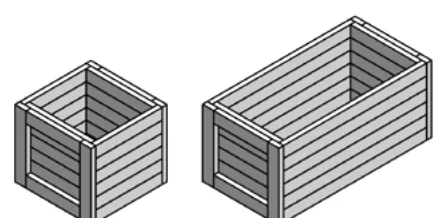 24" planter box (large)
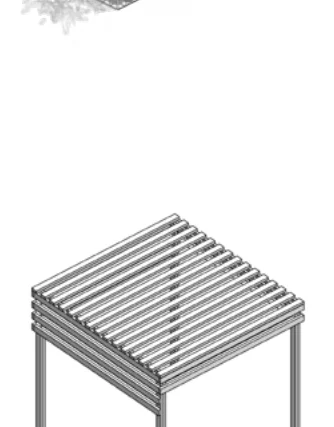 Shade canopy
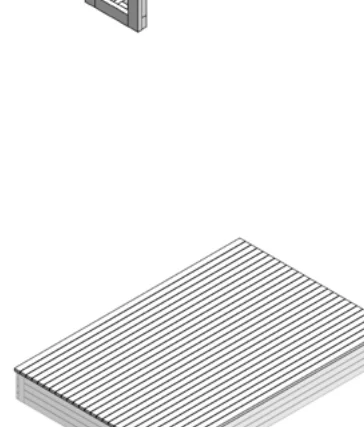 Stage
Stage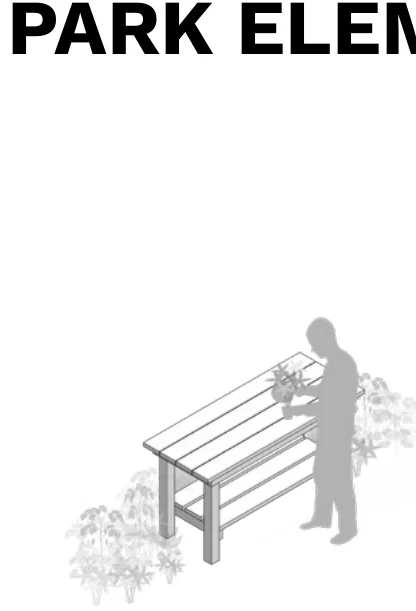 Workbench / standing table
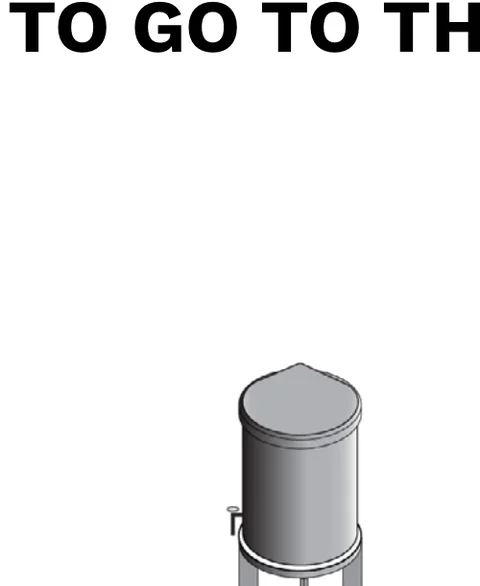 Rain barrel
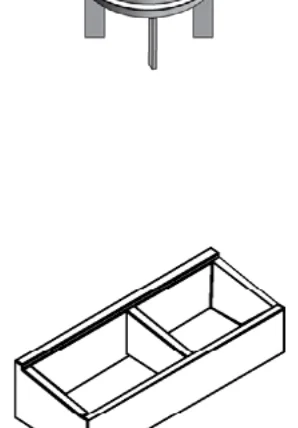 Compost bin
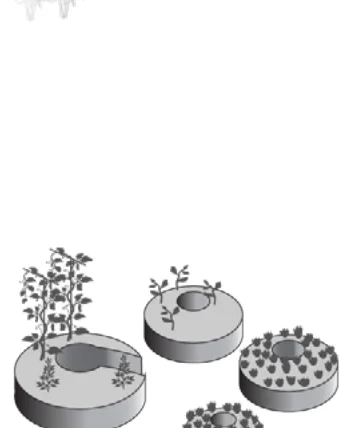 Raised bed
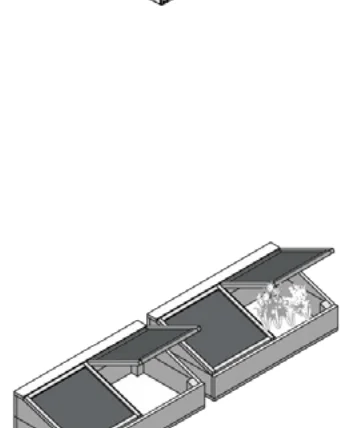 Cold frame
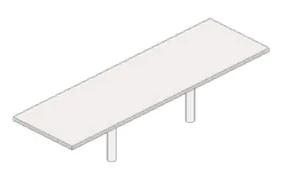 Communal table
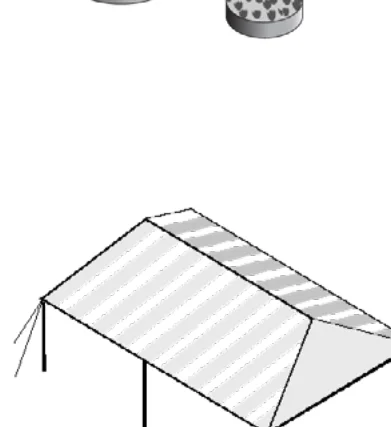 Event tent
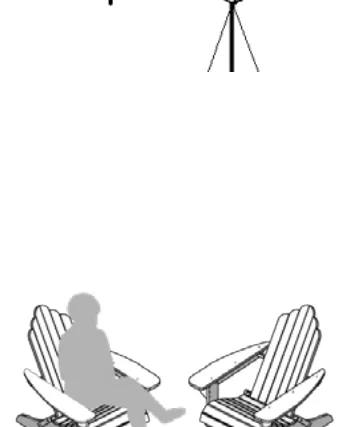 Flexible seating
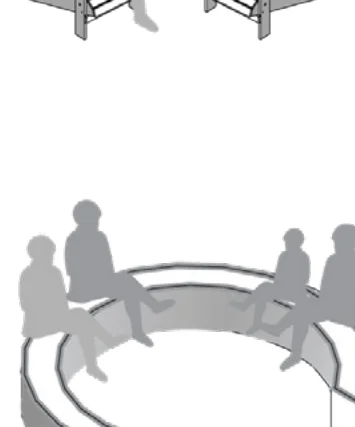 Outdoor classroom
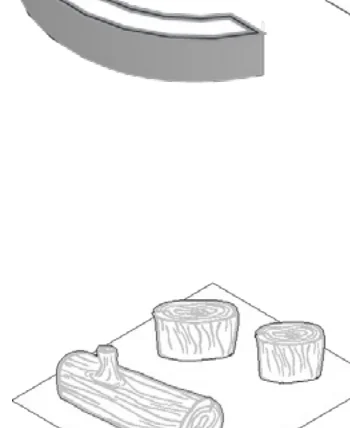 Nature play
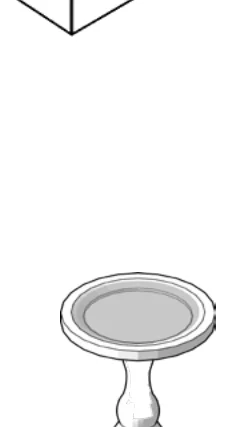 Birdbath
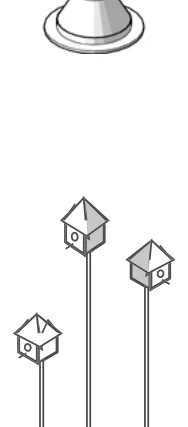 Bird houses & feeders
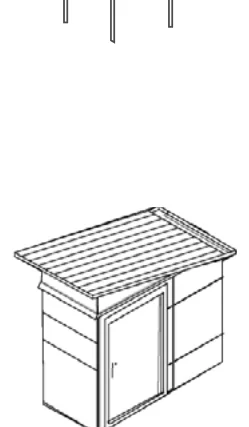 Shed
ShedAre you ready?
Congratulations for completing the Dream Workbook! Check off each step below before moving on to Create.